Guide · Updated November 10, 2026
How to make a family portrait with your pets from separate photos
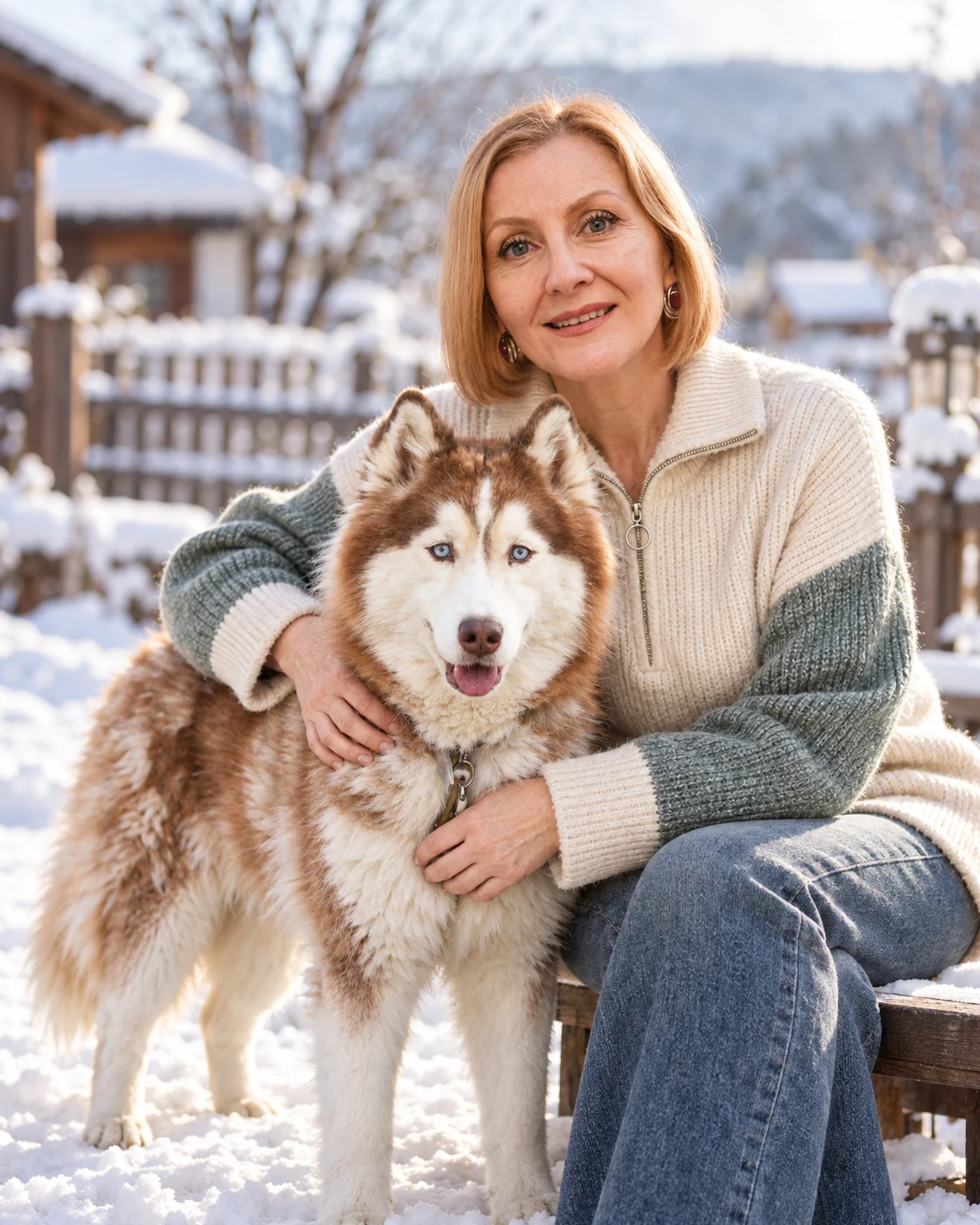
Most families never get one photo where every person and every pet is in frame, in focus and looking up at the same moment. You don’t need one. A family portrait can start from a separate photo of each of you.
1. Gather one photo of each person and pet
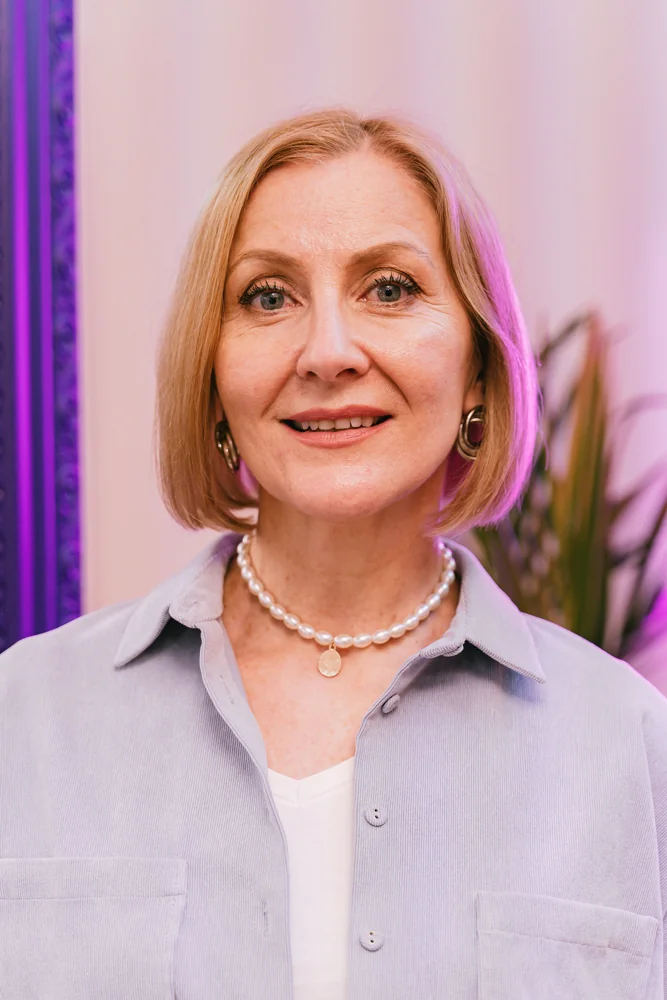
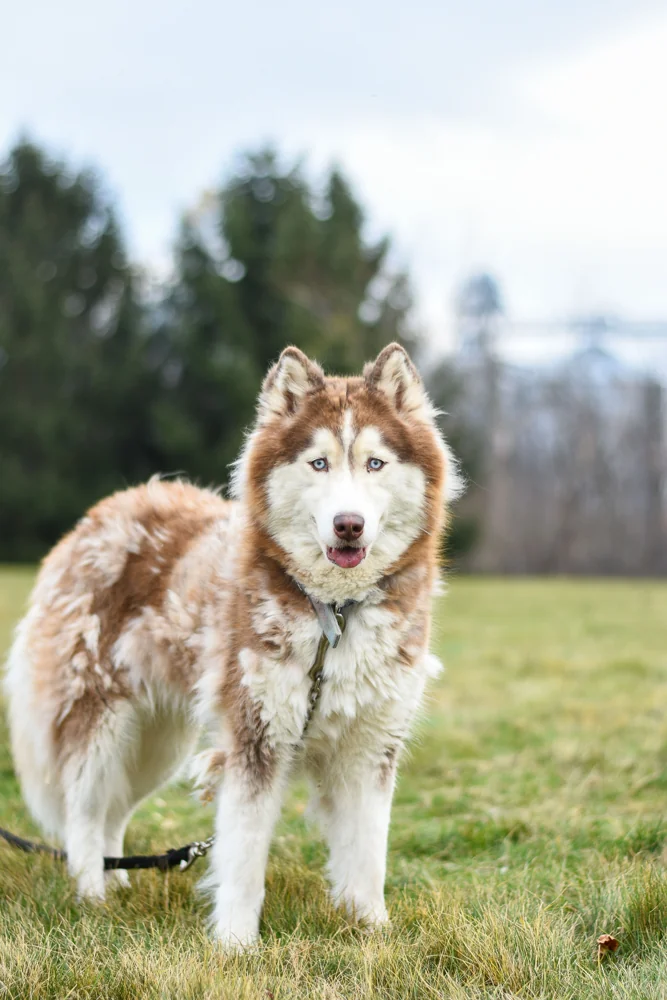
Pick one photo per person and one per pet. Each photo only needs that one subject; it doesn’t matter where or when it was taken.
- Face clearly visible. Looking towards the camera or slightly to the side, with nothing covering the face: no sunglasses, hands or a hat pulled low.
- Sharp, not blurry. A still moment beats an action shot. For pets, a photo at their eye level, with the whole head in frame, works best.
- Soft, even light. Daylight near a window or outdoors in shade. Avoid harsh shadows across the face, strong backlight and heavy filters.
- The right file. JPG, PNG or WebP, up to 10 MB each.
For a pet who has passed, use the clearest photo you have.
2. Choose a look that fits your group
Each portrait look is a fixed scene with a set number of places, and it shows how many people and pets it includes. Choose one that matches your group: one person and a dog, a couple with a cat, or a family with more than one pet. A fixed composition can’t take an extra place, so if no single look fits everyone, make a second portrait for the rest. You can start with up to five looks at once. For a portrait of just your dog or cat, choose “Just the pet”.
3. Assign each photo to its place
Upload your photos, then choose who appears in each place of each look. The same photo can appear in more than one look, so a family can try a garden scene and a studio scene from one set of photos.
4. Review the previews, then buy what you love
After generation, enter your email to view the previews. Choose the portraits and versions you want to keep; original digital downloads follow purchase. Prices are a one-time total: USD 3.00 for one portrait, up to USD 11.40 for five. No account, subscription or credits. Download access lasts 30 days from confirmed payment.
5. Print it, or send it as a gift
The portrait is a digital file. You can print the download yourself or take it to a print shop.
To give it as a gift, add a personal note after purchase and send it. The recipient gets an email with a private link to open the gift and download the portraits, with no second charge. Gift access lasts 30 days from the first send.
What to expect from an AI portrait
The portrait is made with AI from your photos and the look you choose, and you see the previews before buying. If you can gather everyone in one place, a photographer is another option; if you want a hand-painted piece, look for an artist who works from separate photos.
Common questions
Do I need a photo of everyone together?
No. One individual photo of each person and each pet is enough. You assign each photo to a place in the look you choose.
Can I include a pet who has passed?
Yes. Use the clearest photo you already have of them. A sharp, well-lit photo with the face visible works better than a recent but blurry one.
How many people and pets can be in one portrait?
It depends on the look. Each look shows how many people and pets it includes, and a fixed composition cannot take extra places. Choose a look that matches your group.
Is it free?
You can generate and review previews before paying. Original downloads follow purchase: USD 3.00 for one portrait, up to USD 11.40 for five.